
Every table sits on a card: white, a hairline edge, 3px corners, spanning the page's frame. Inside, quiet by design: light type, hairline rules, no fills. Every table works the same way. Click a heading's word to sort, again to reverse. The funnel filters; active filters show as tags you can click away. Type sorts in its own order, not A to Z. Labels like the Type column are tinted, with no outline: they describe, they don't press.
| Nobody buys the build, they buy the change | truth | 12 November 2026 | 9 | ||
| People first, all else follows | ponder | 2 March 2025 | 5 | ||
| Data is digital, people are analogue | question | 19 August 2024 | 6 | ||
| Connect, don't collect | tension | 1 June 2023 | 3 | ||
| Files outlast apps | ponder | 9 October 2025 | 3 | ||
| Feedback isn't collected, it's answered | tension | 12 November 2026 | 5 | ||
| Users consume, members contribute | tension | 12 November 2026 | 4 | ||
| Context is everything | question | 15 January 2022 | 3 |
Image Tables
The special case. When rows have a picture, the same table shows them as a grid: same sort, same filters, same count. Switch to Table to see the rows with thumbnails.
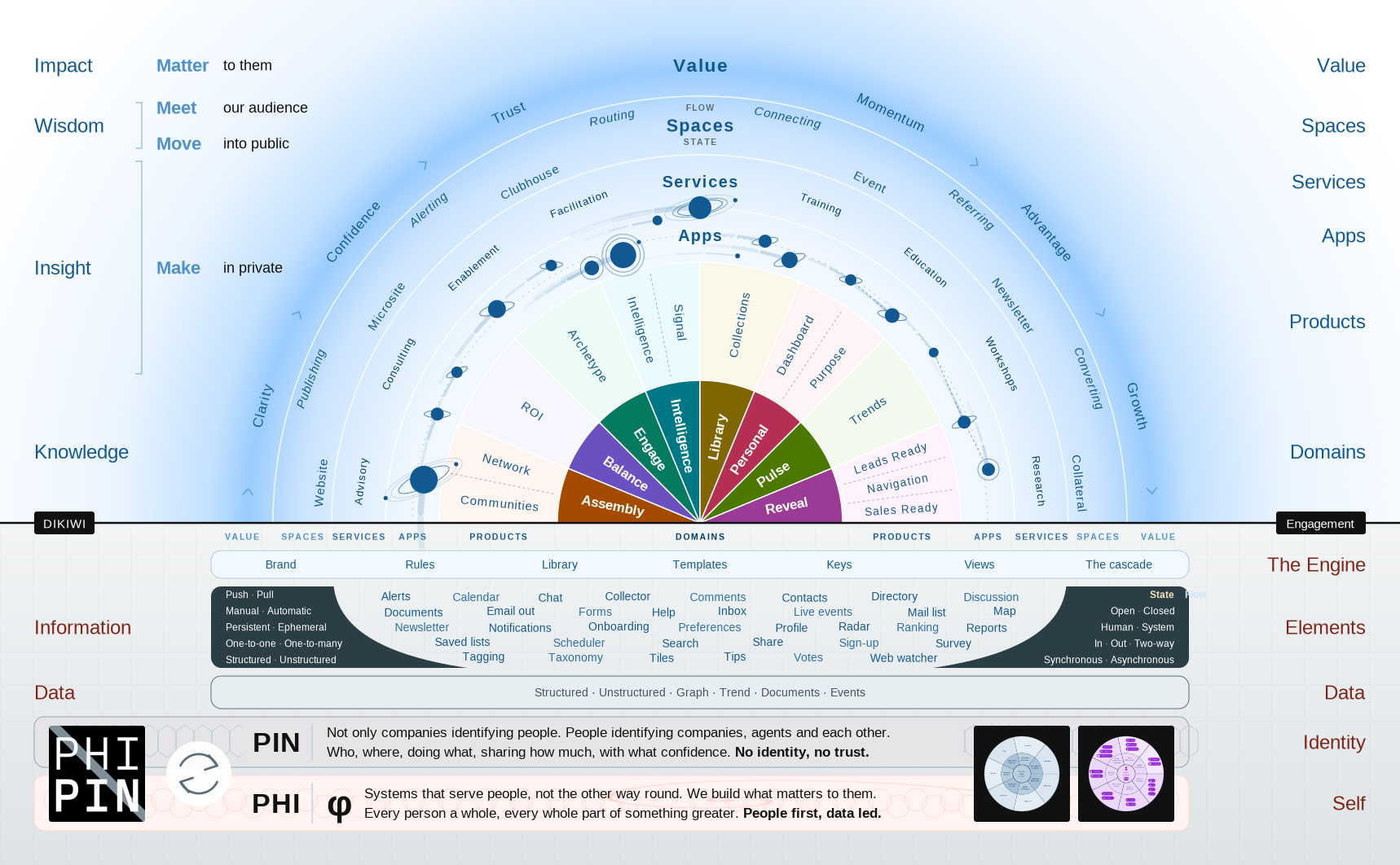 The Architecture of Thought1 · The Architecture of Thought
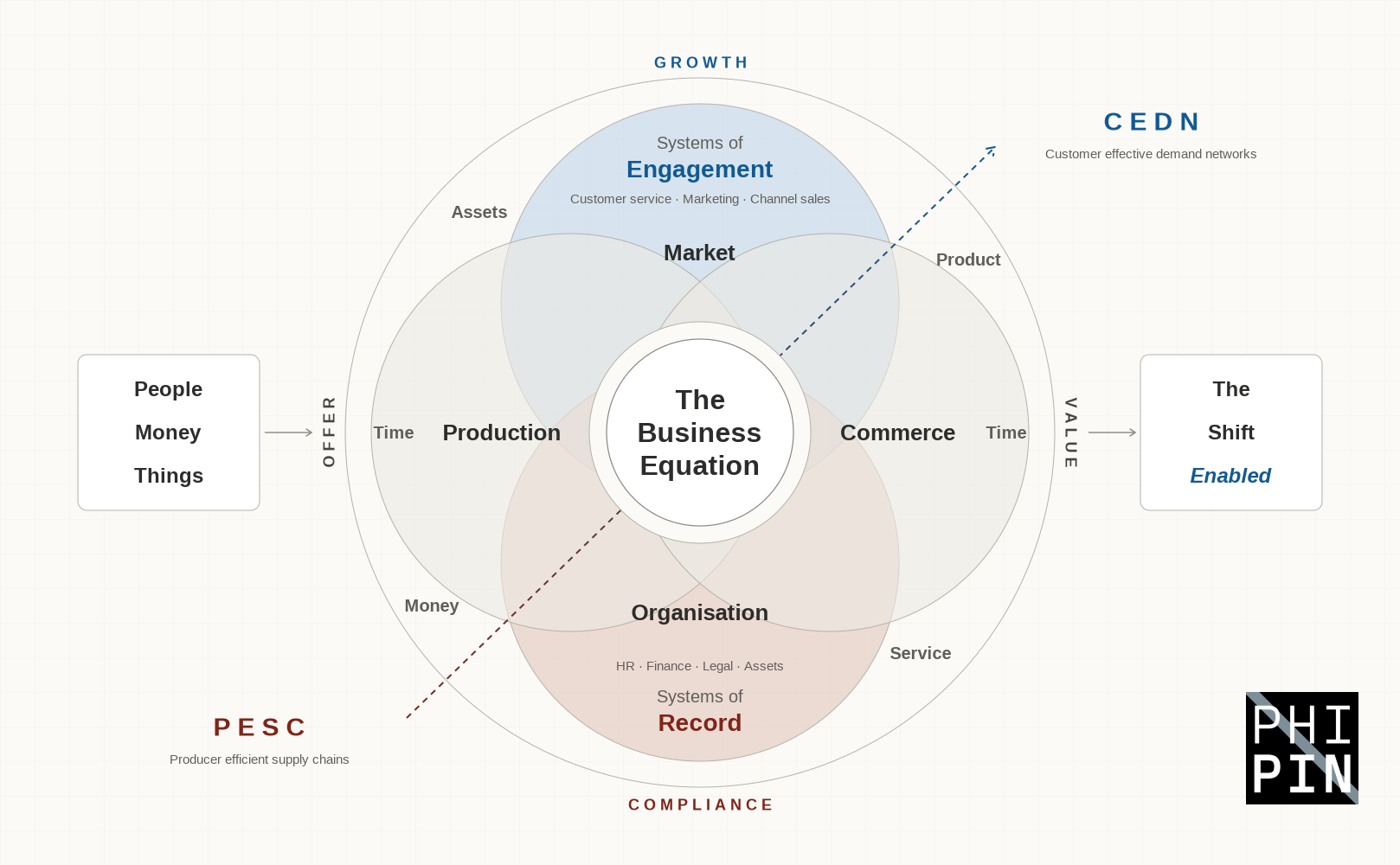 Business Equation Logo2 · Business Equation
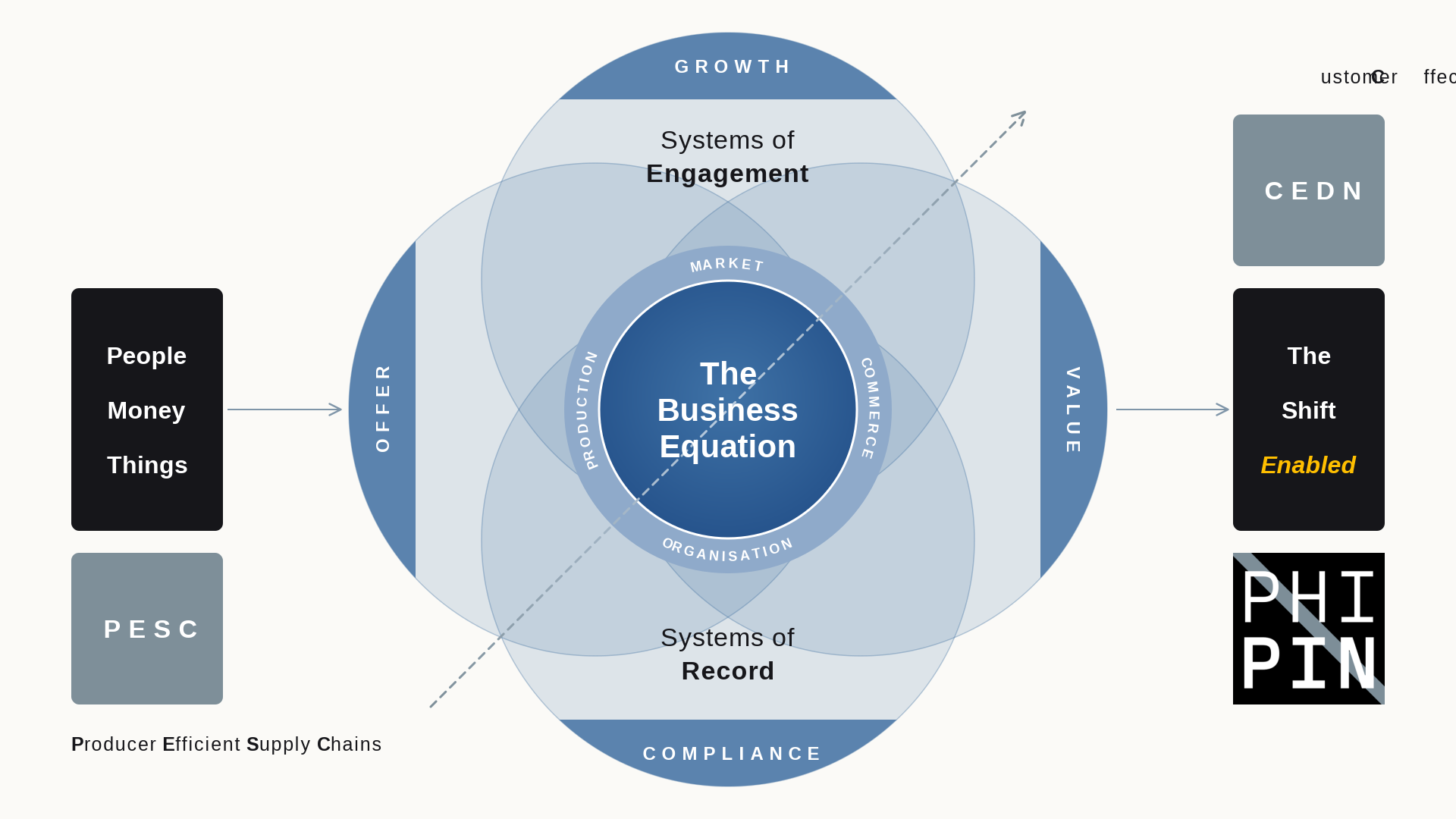 Business Equation Original3 · Business Equation
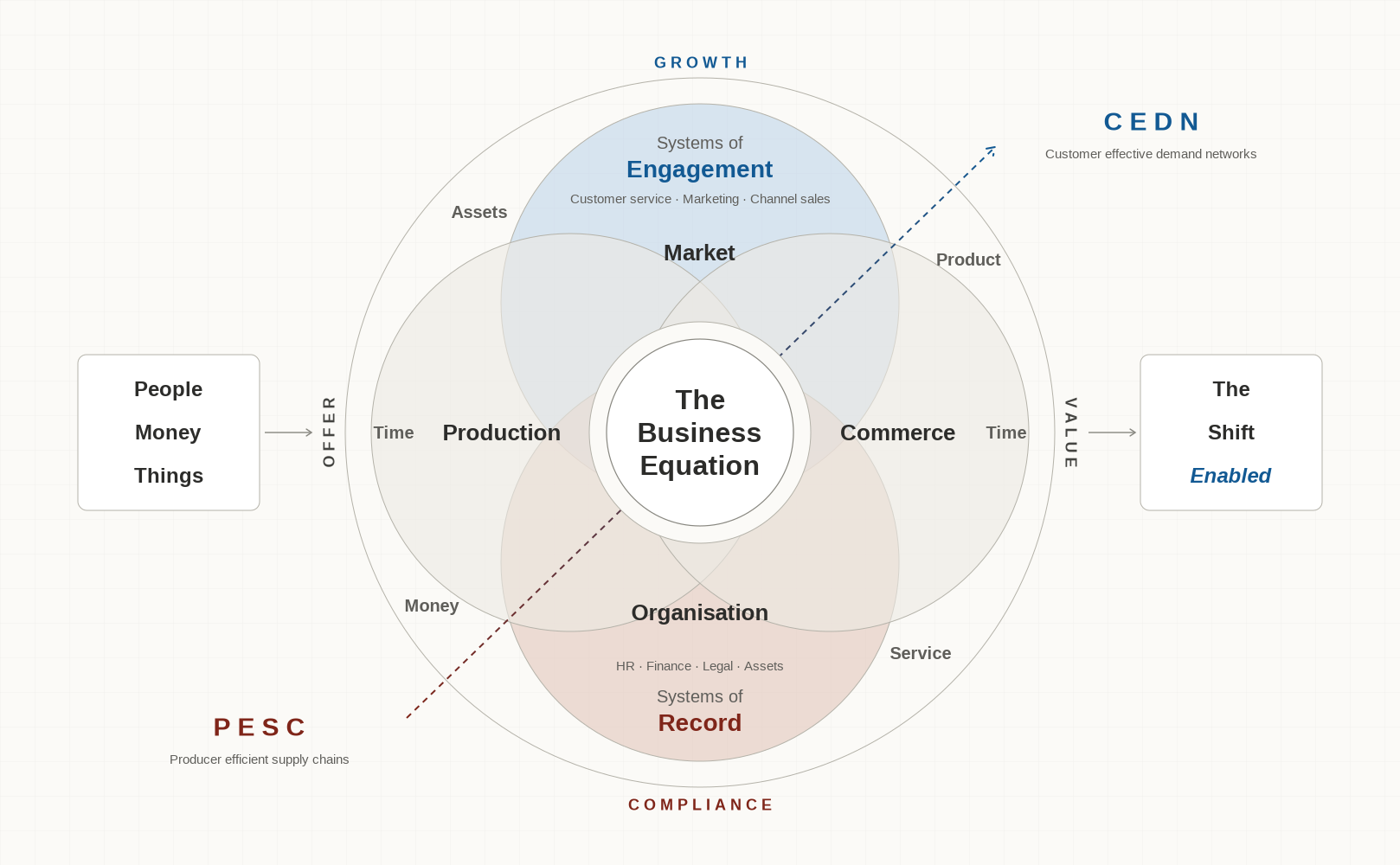 Business Equation4 · Business Equation
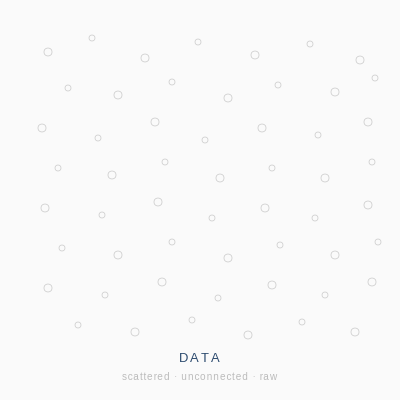 DIKIWI 1 Data5 · DIKIWI
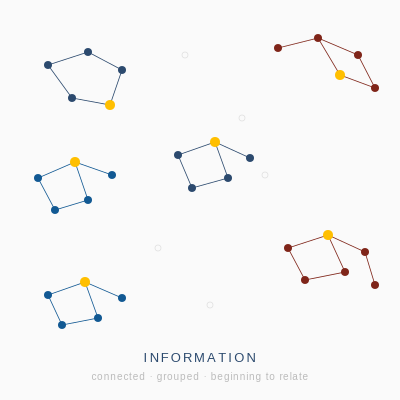 DIKIWI 2 Information6 · DIKIWI
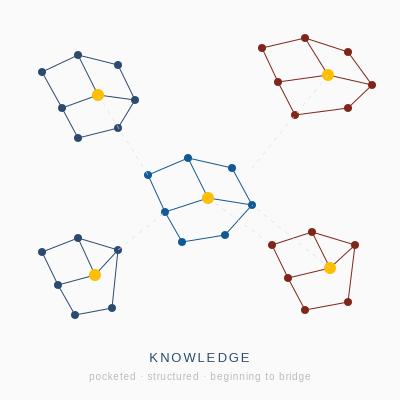 DIKIWI 3 Knowledge7 · DIKIWI
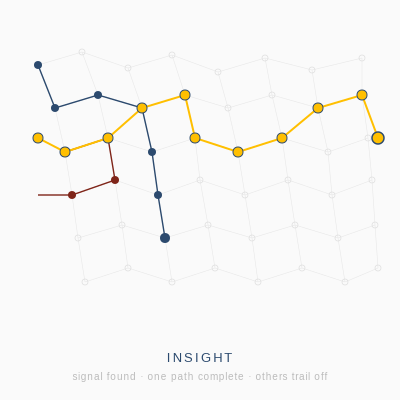 DIKIWI 4 Insight8 · DIKIWI
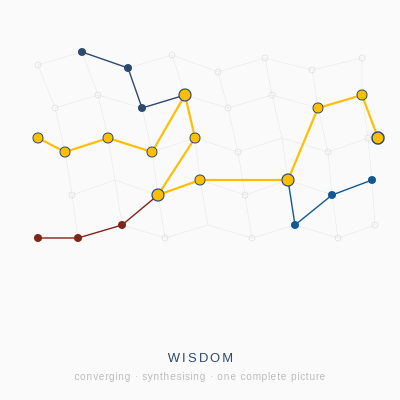 DIKIWI 5 Wisdom9 · DIKIWI
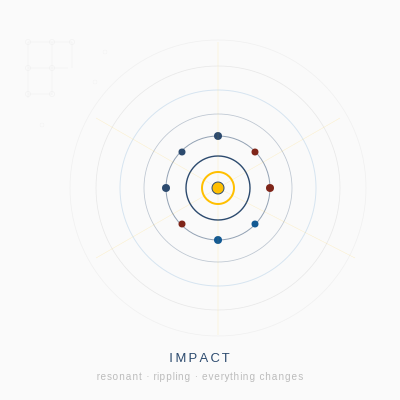 DIKIWI 6 Impact10 · DIKIWI
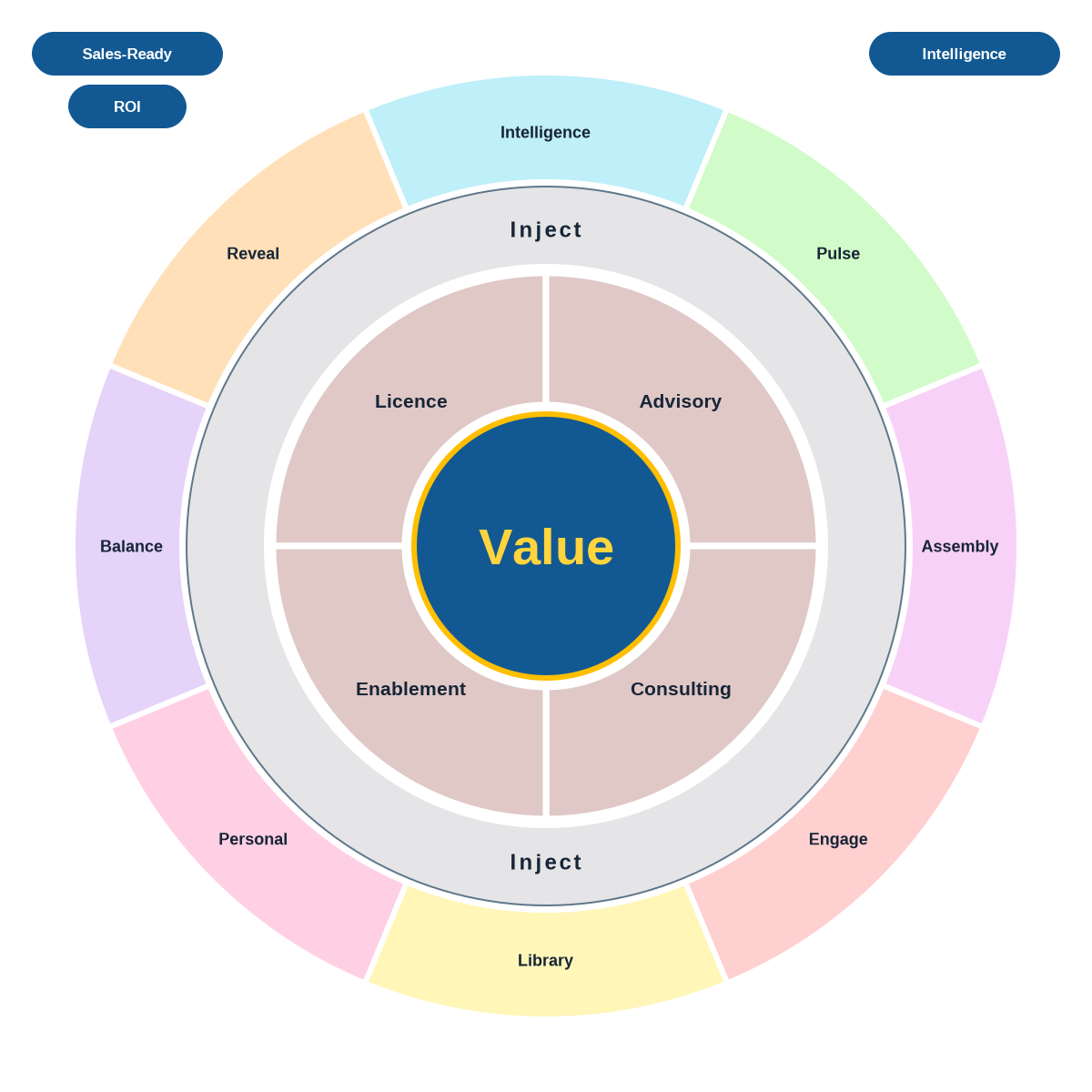 Domains Applied11 · Domains
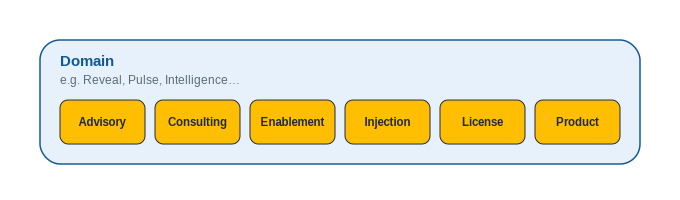 Domains Deliverable Types12 · Domains
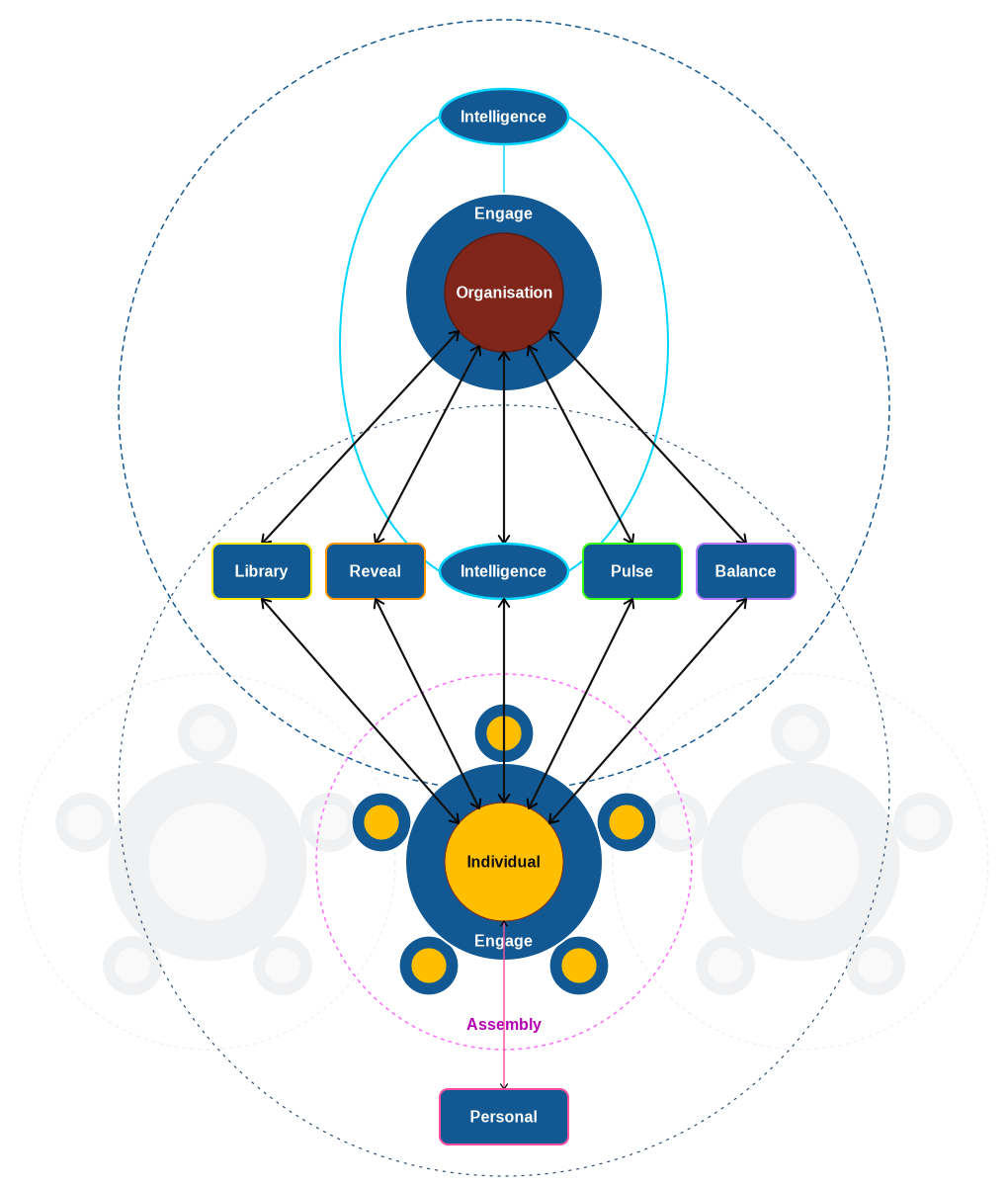 Domains Eight13 · Domains
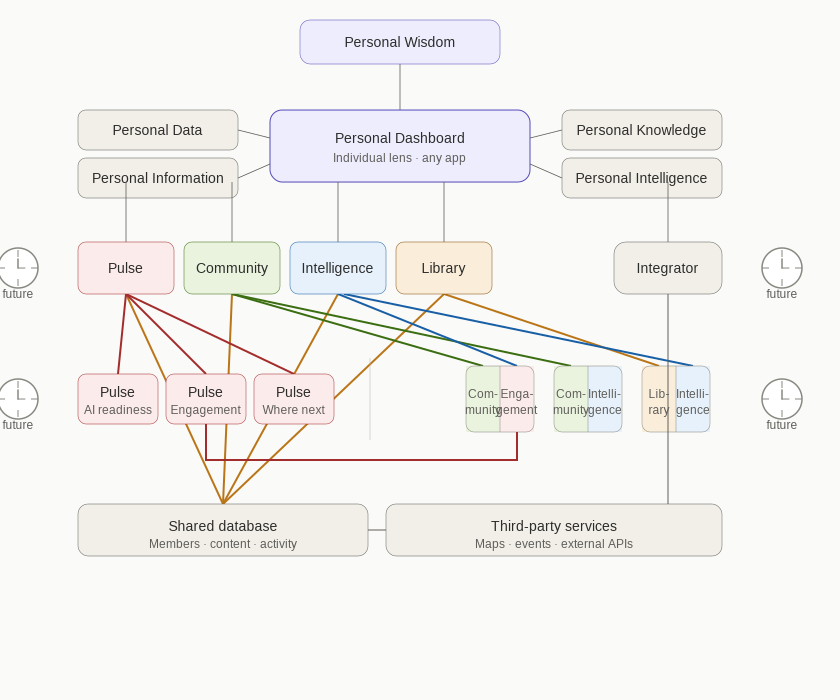 Domains Personal Dashboard14 · Domains
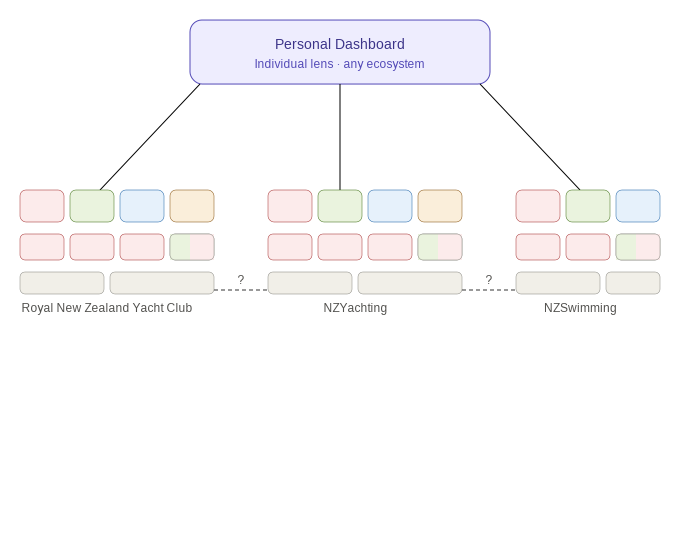 Domains Personal Integrated Dashboard15 · Domains
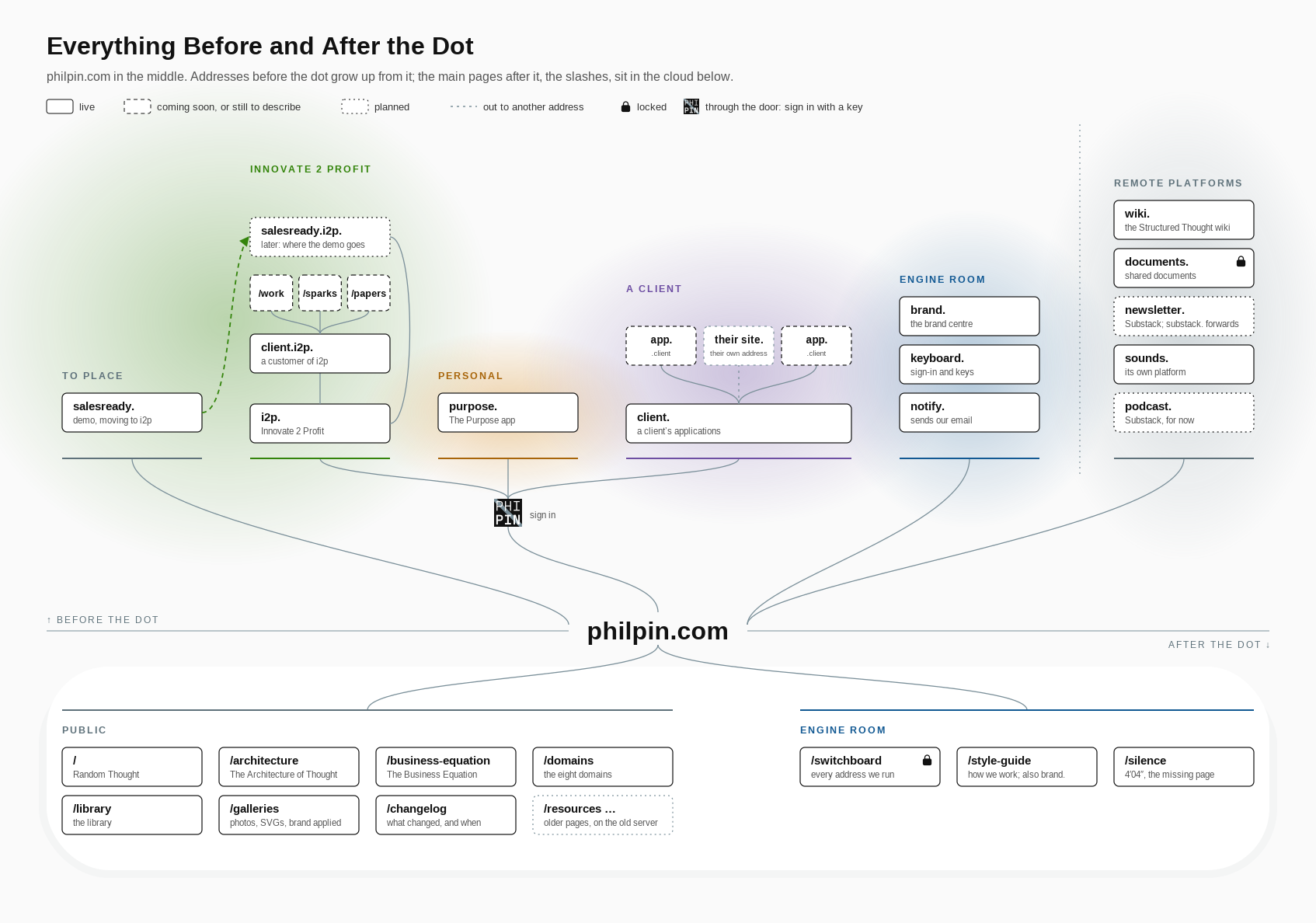 Everything Before and After the Dot16 · Maps
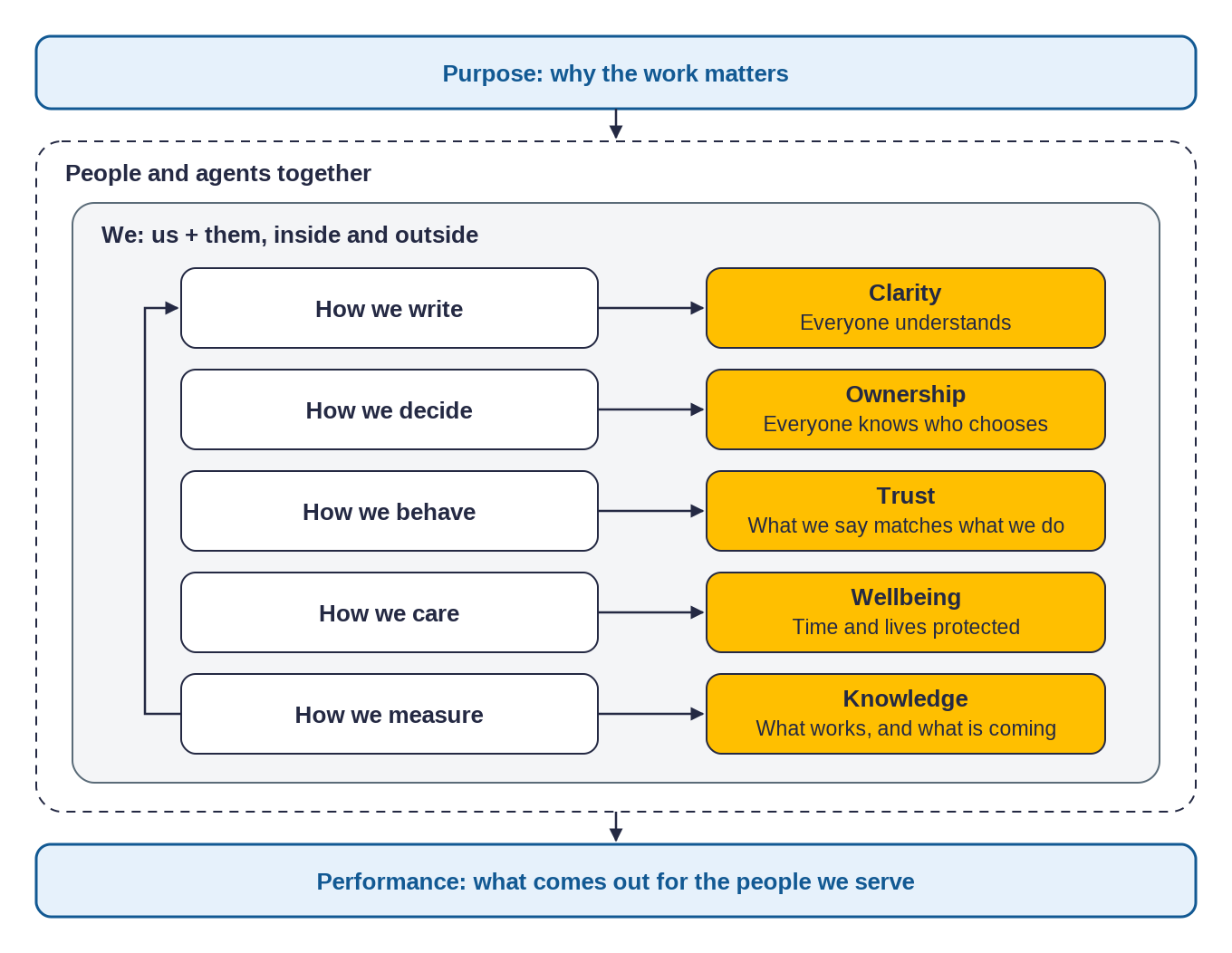 Framework People First17 · Frameworks
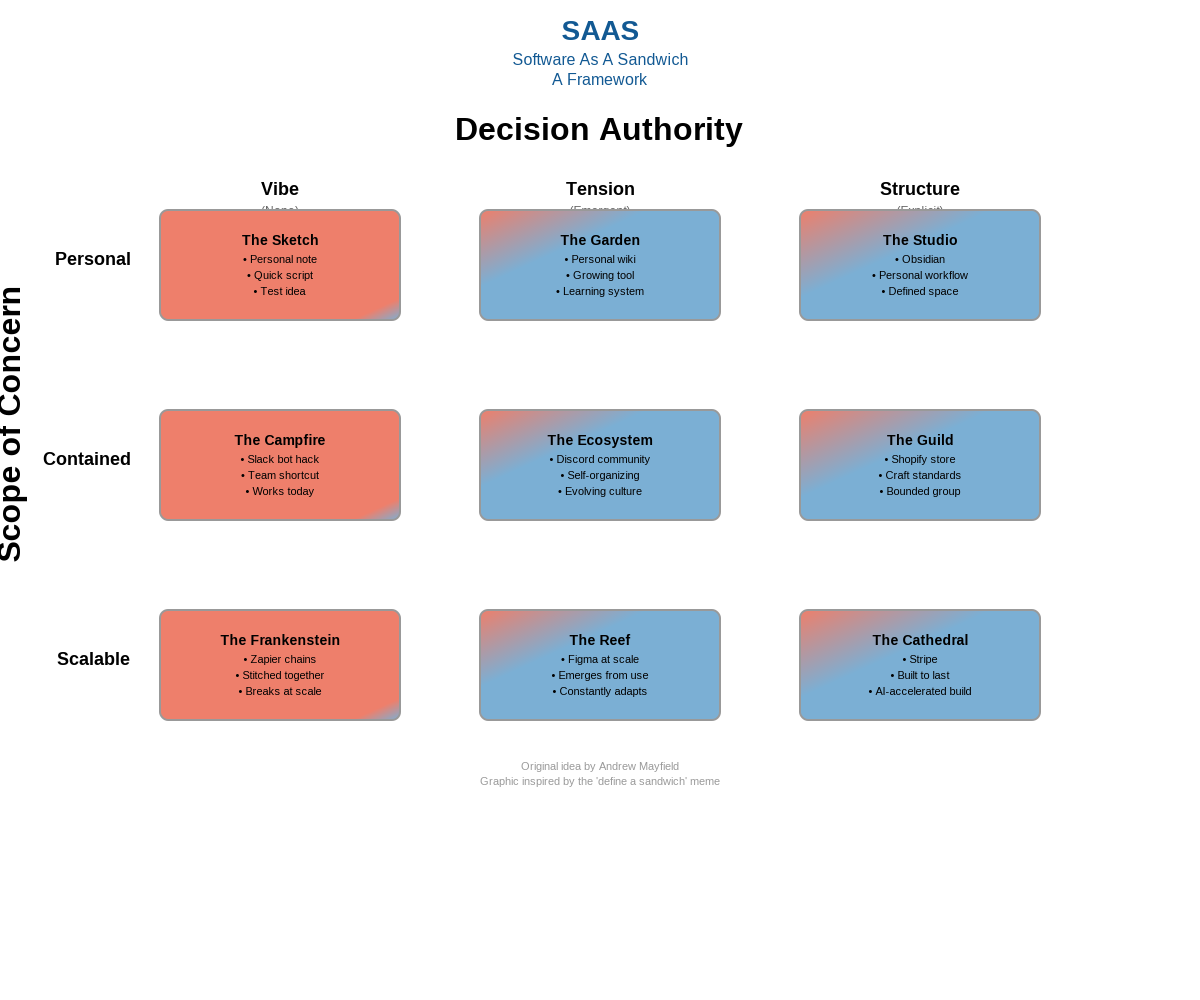 Framework Software As A Sandwich18 · Frameworks
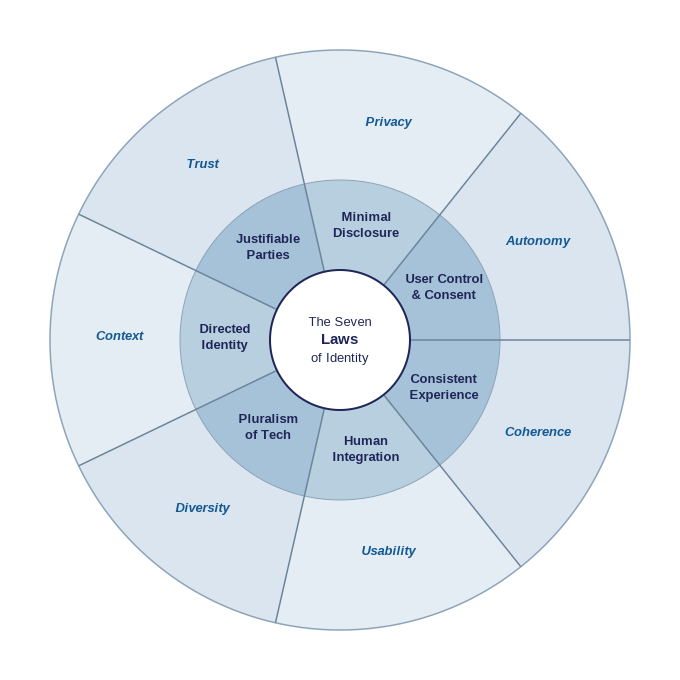 Identity Cameron Seven Laws19 · Identity
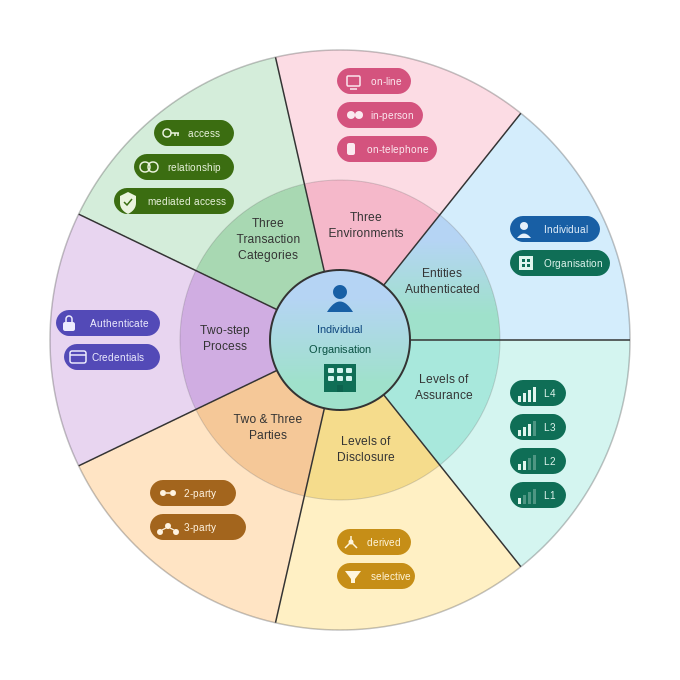 Identity Mayo Seven Dimensions20 · Identity
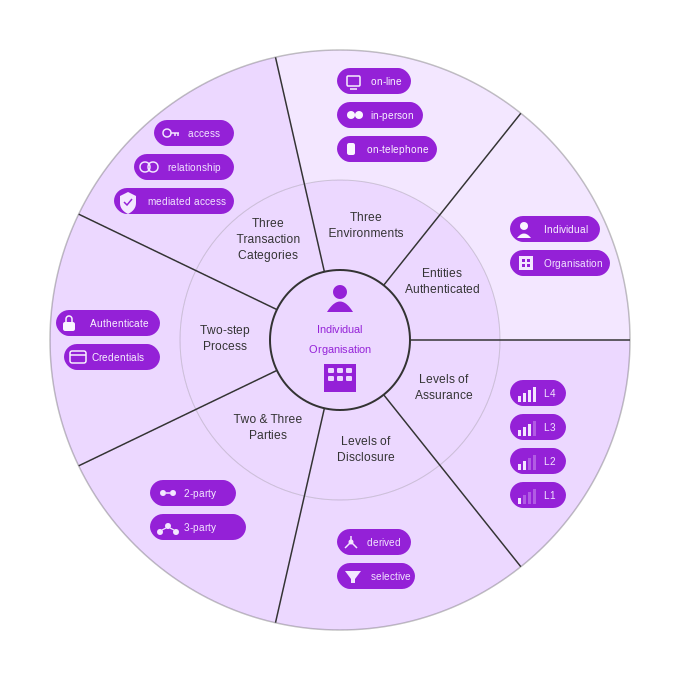 Mayo's Seven Dimensions, in purple (made for the Architecture)21 · Identity
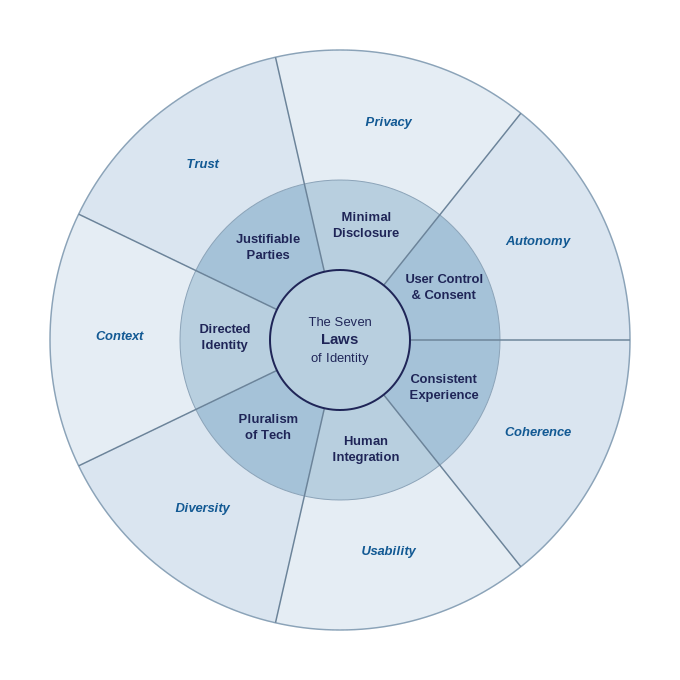 Cameron's Seven Laws, in blue (made for the Architecture)22 · Identity
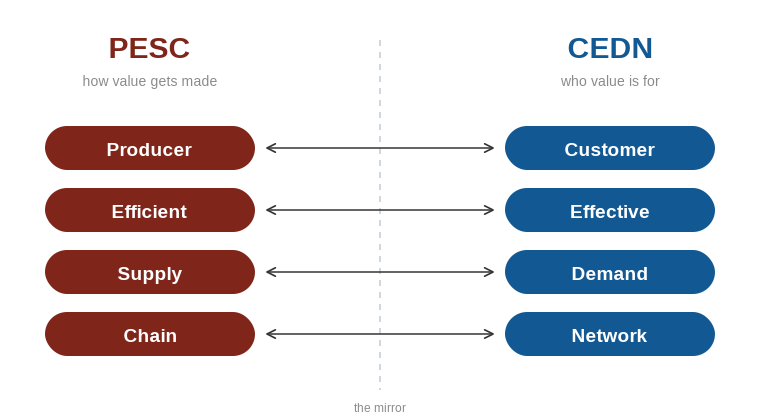 Pesc Cedn Mirror23 · Other
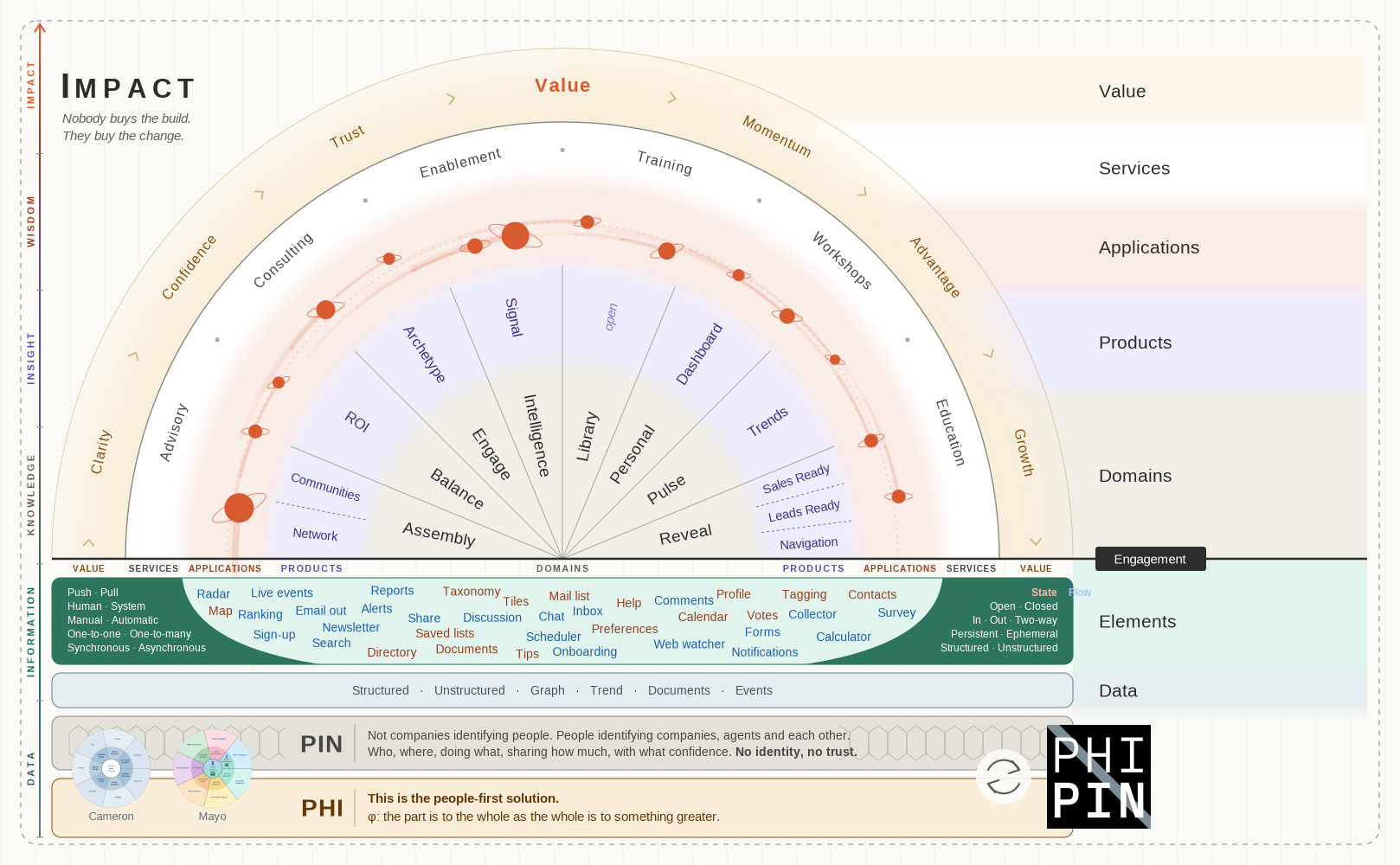 Version 124 · The Architecture of Thought
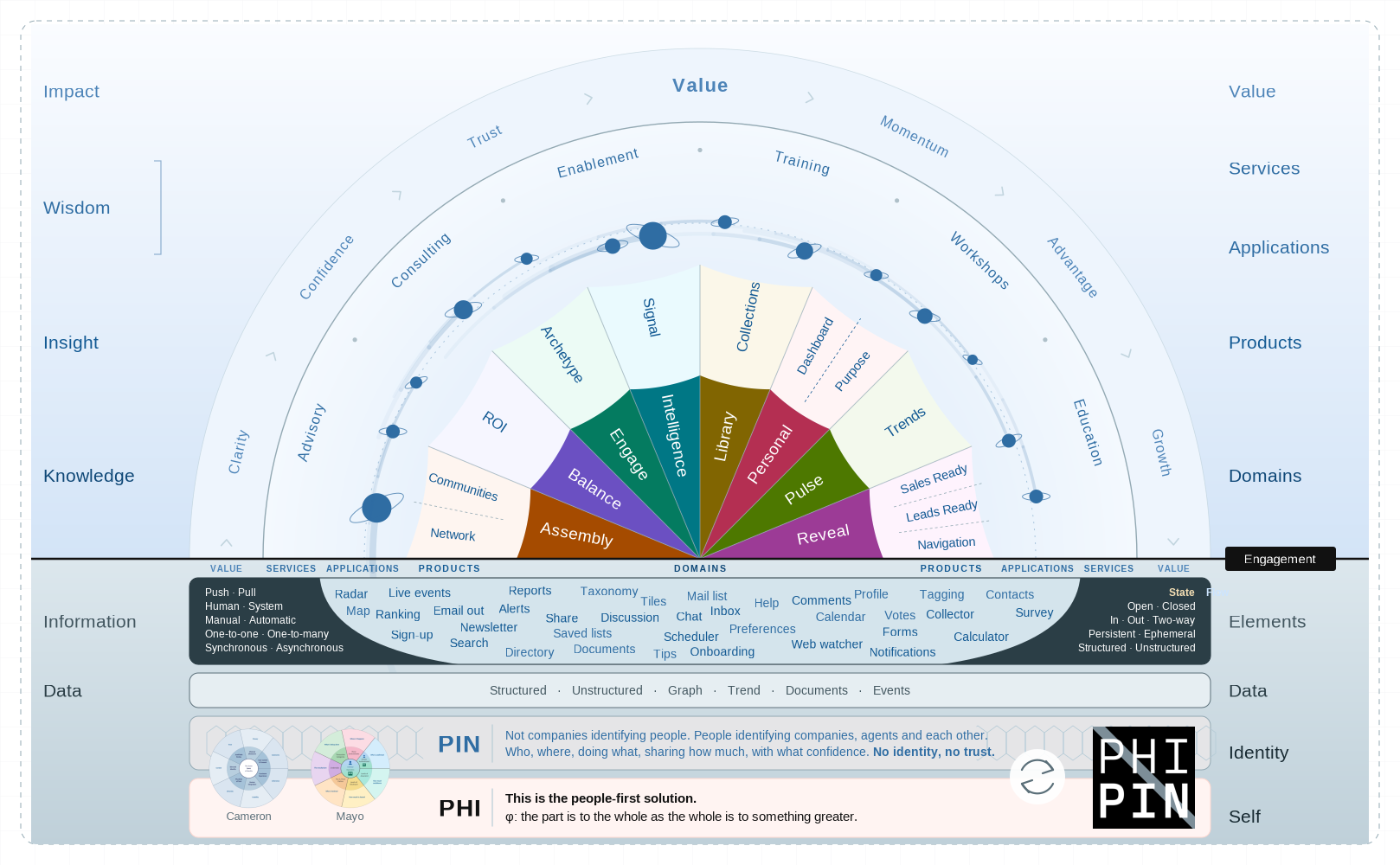 Version 225 · The Architecture of Thought
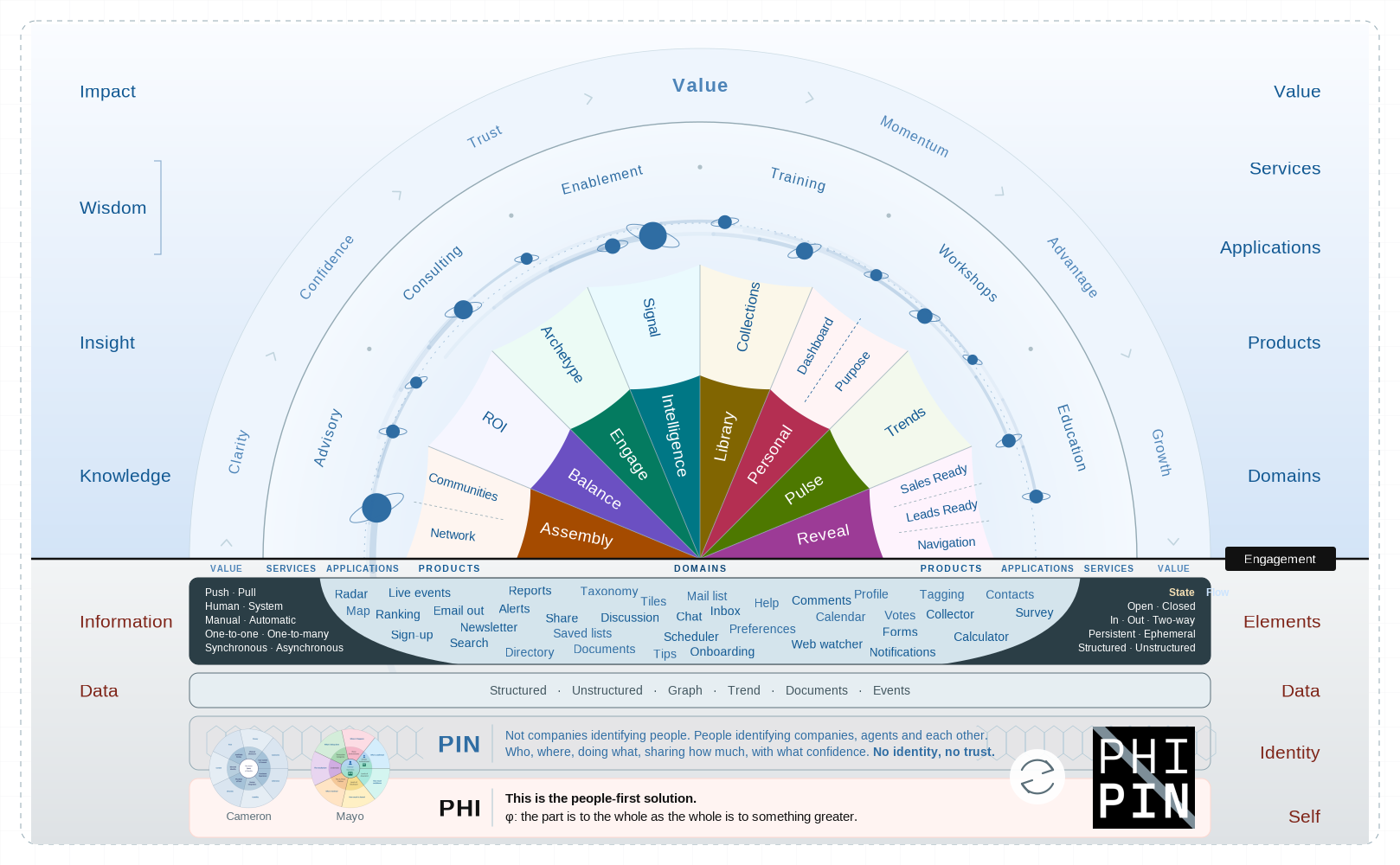 Version 326 · The Architecture of Thought
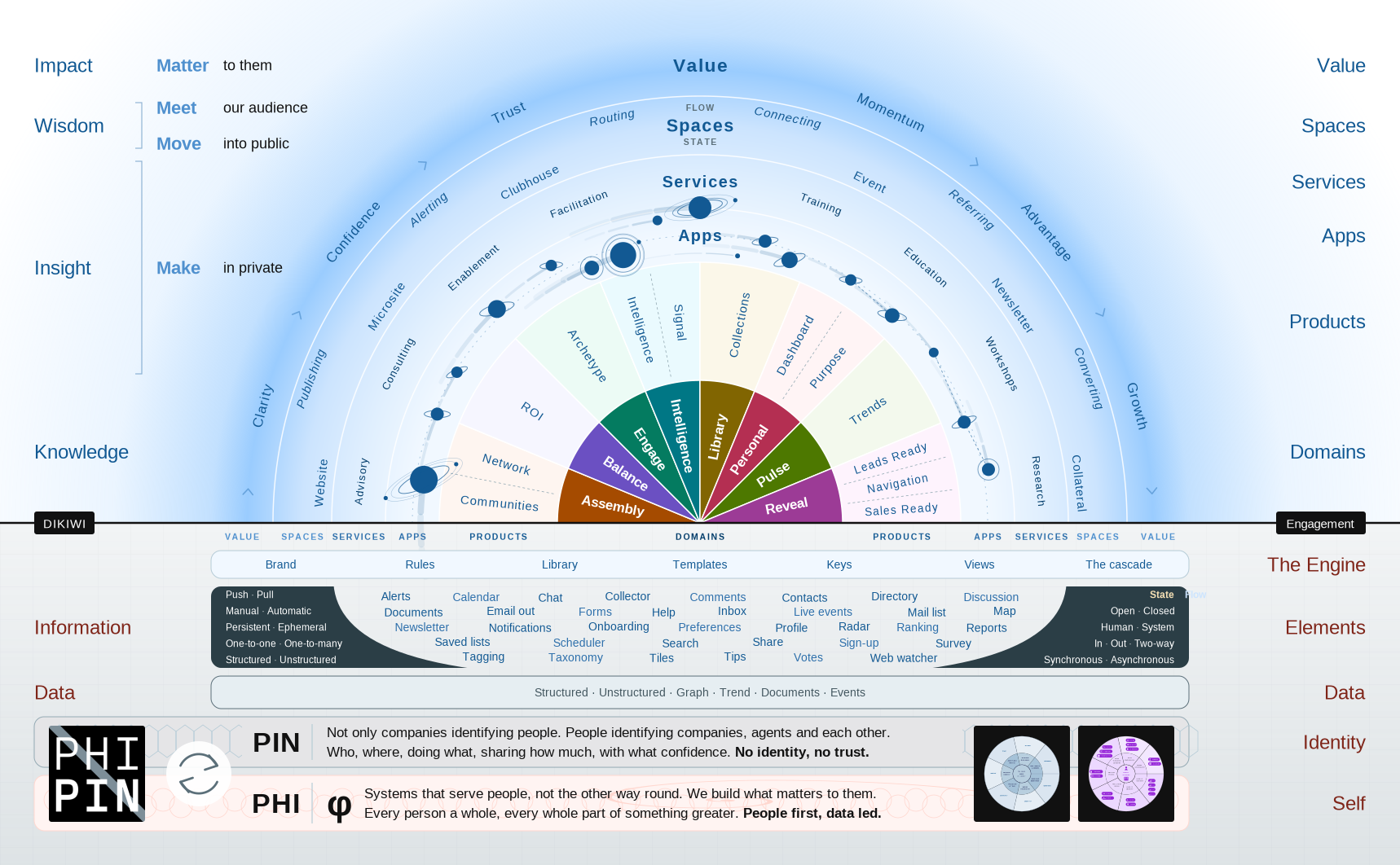 Version 4 (today's, kept as a version)27 · The Architecture of Thought
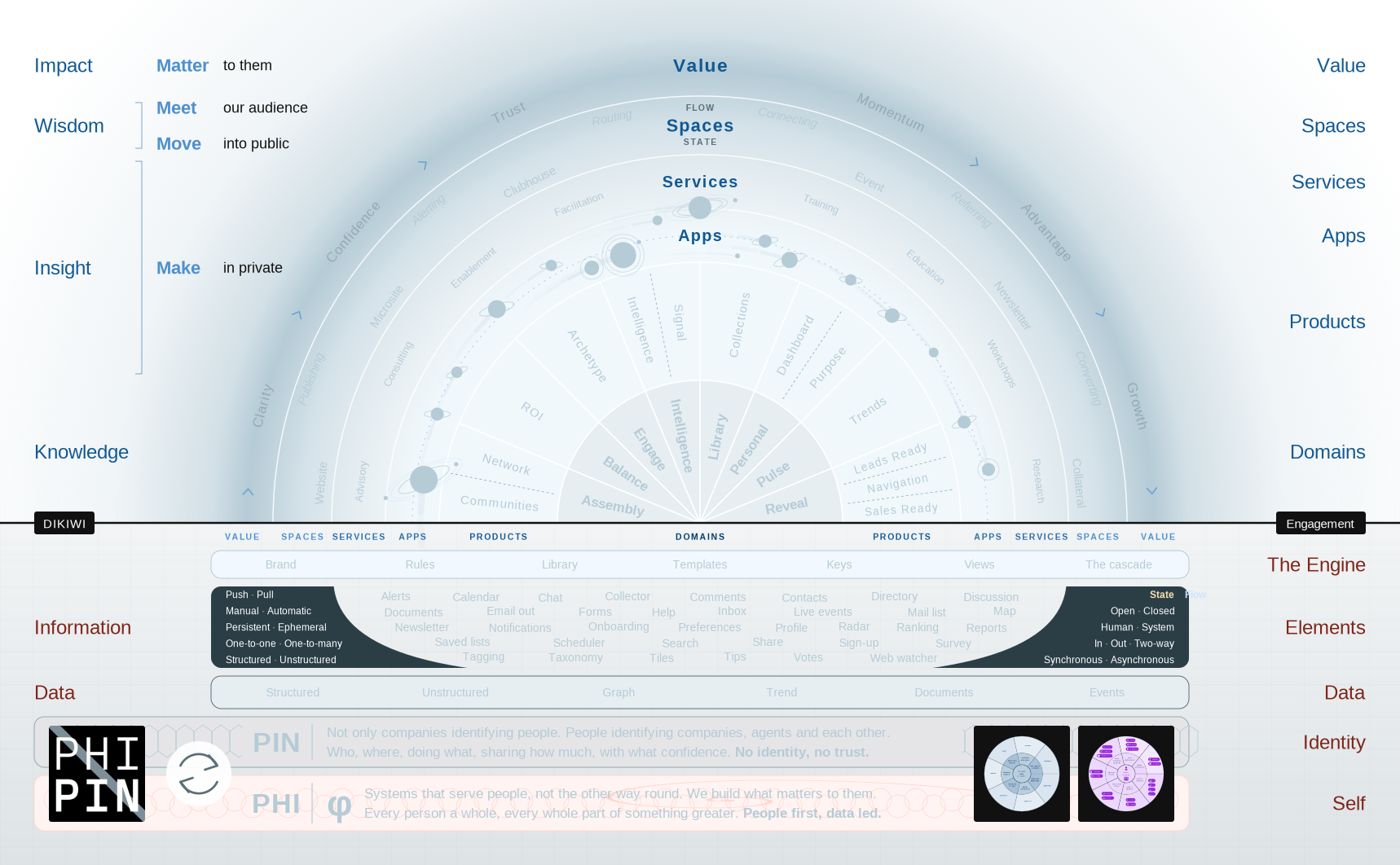 Story 01: Scene 028 · Stories
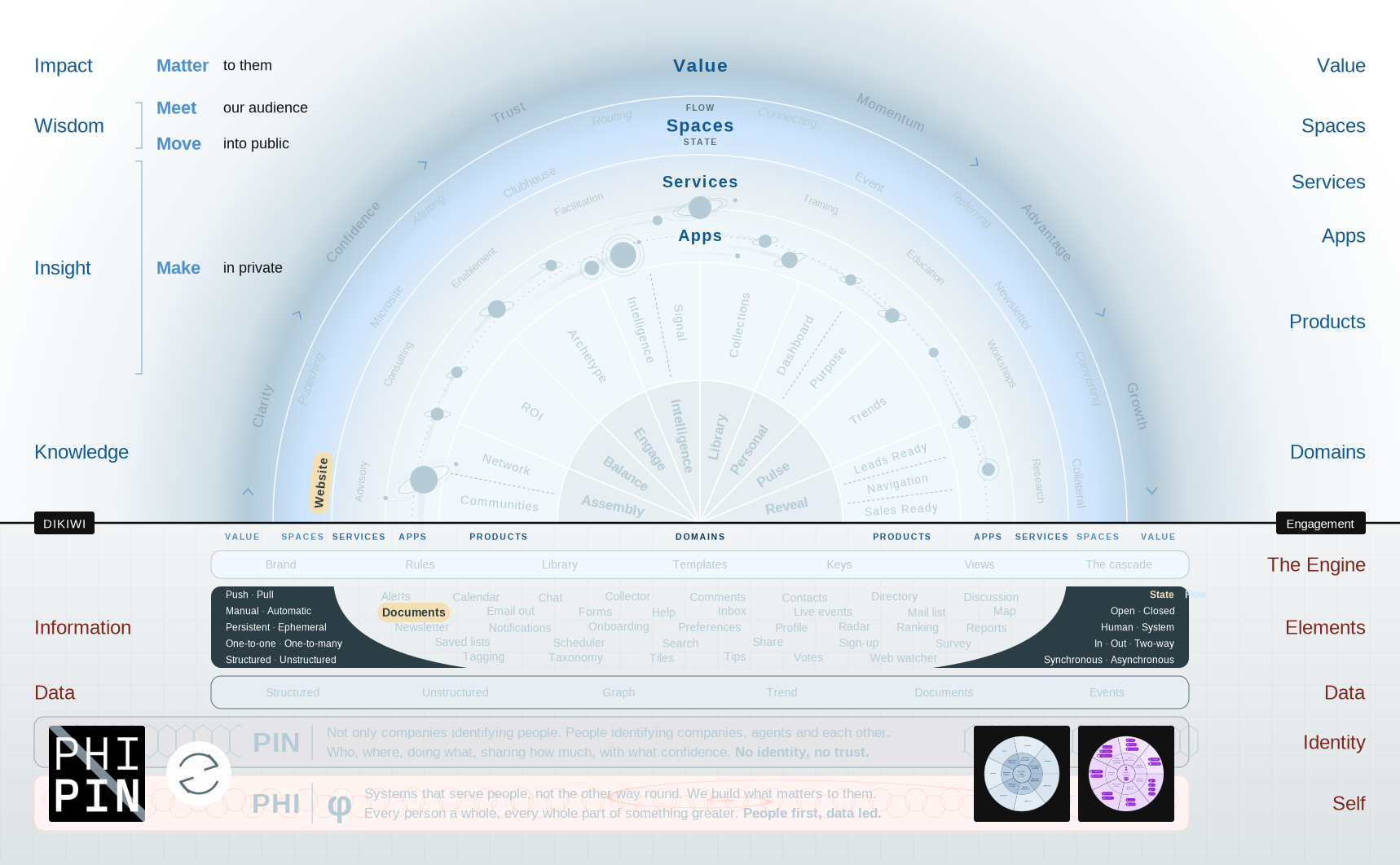 Story 01: Scene 129 · Stories
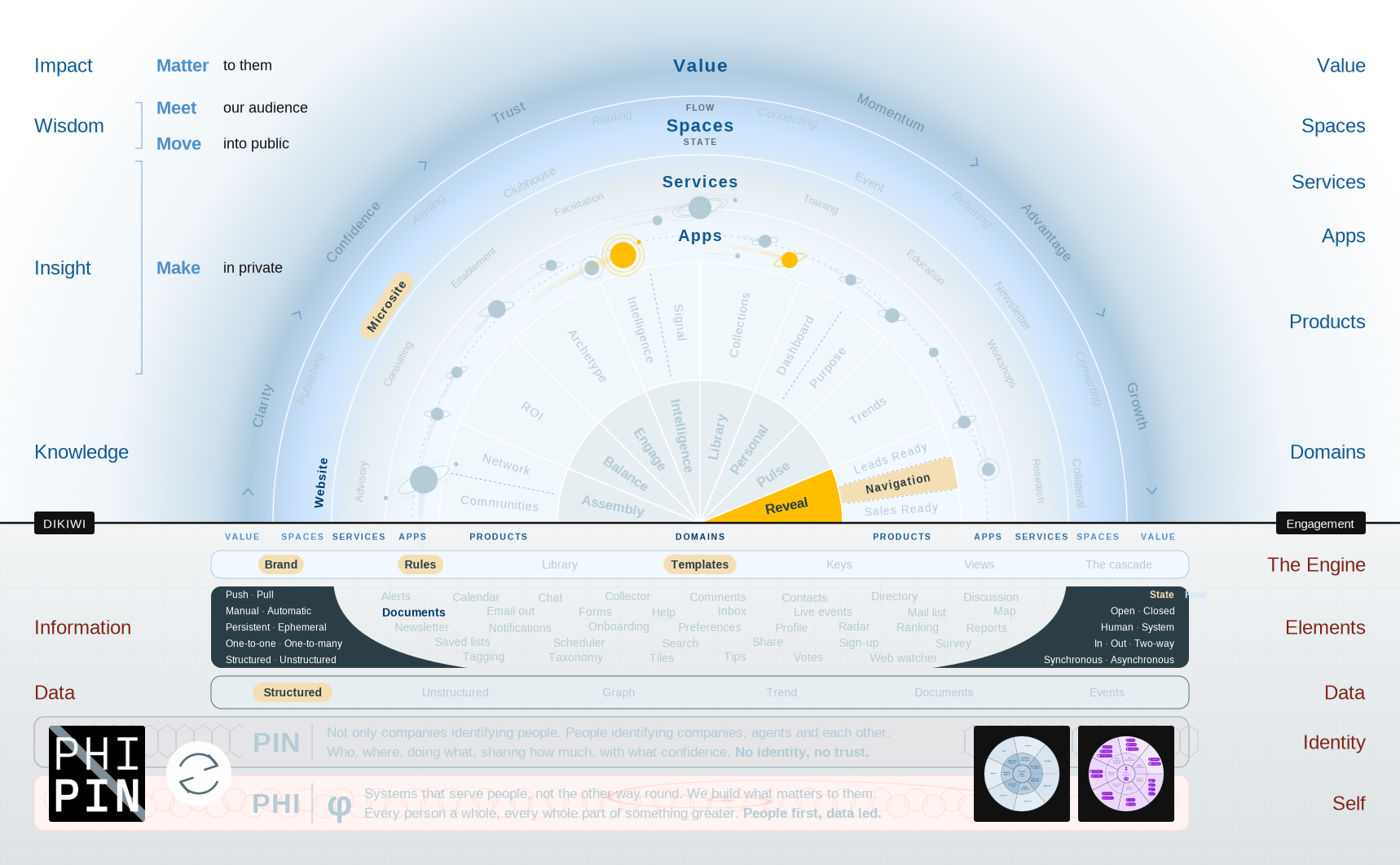 Story 01: Scene 230 · Stories
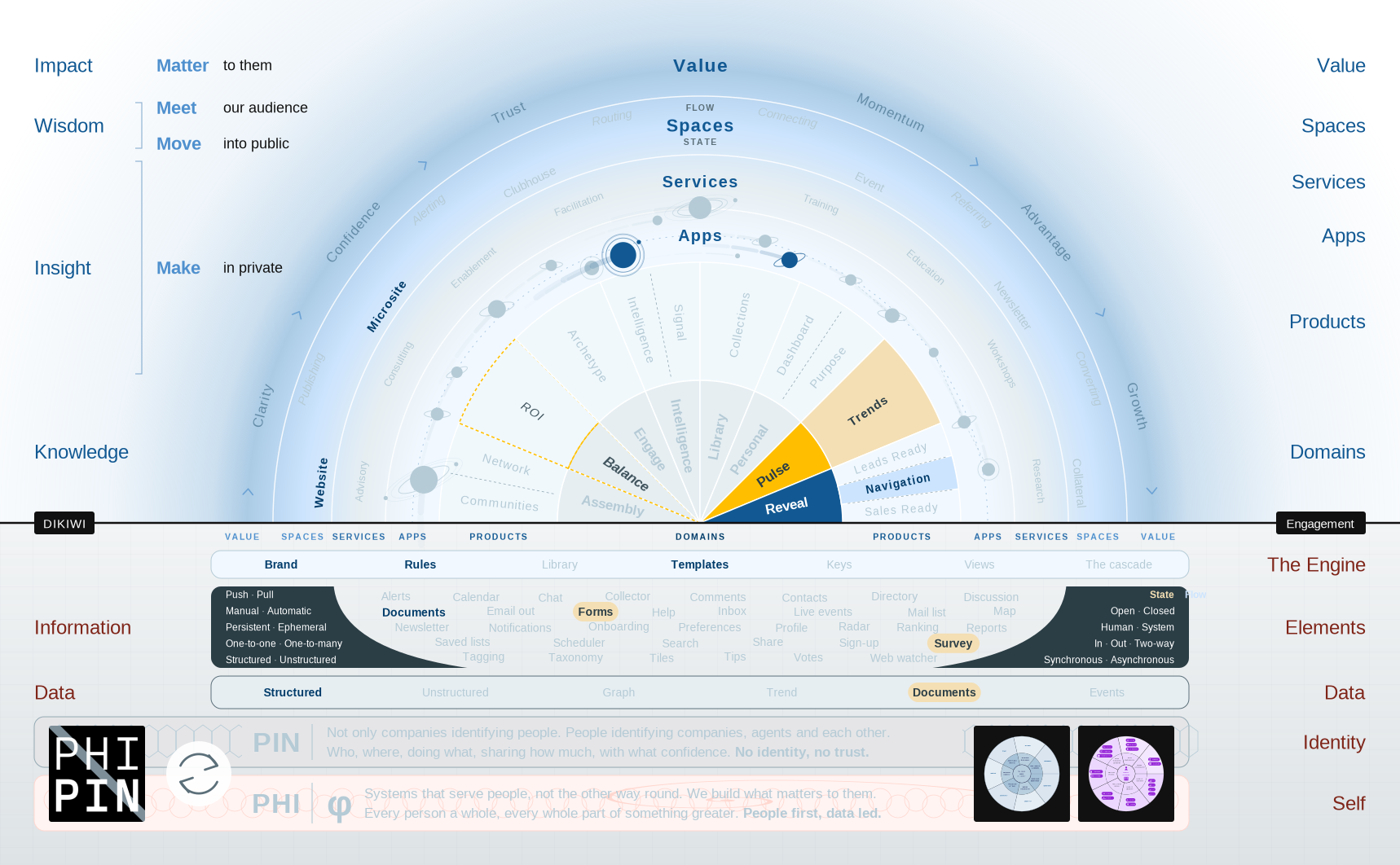 Story 01: Scene 331 · Stories
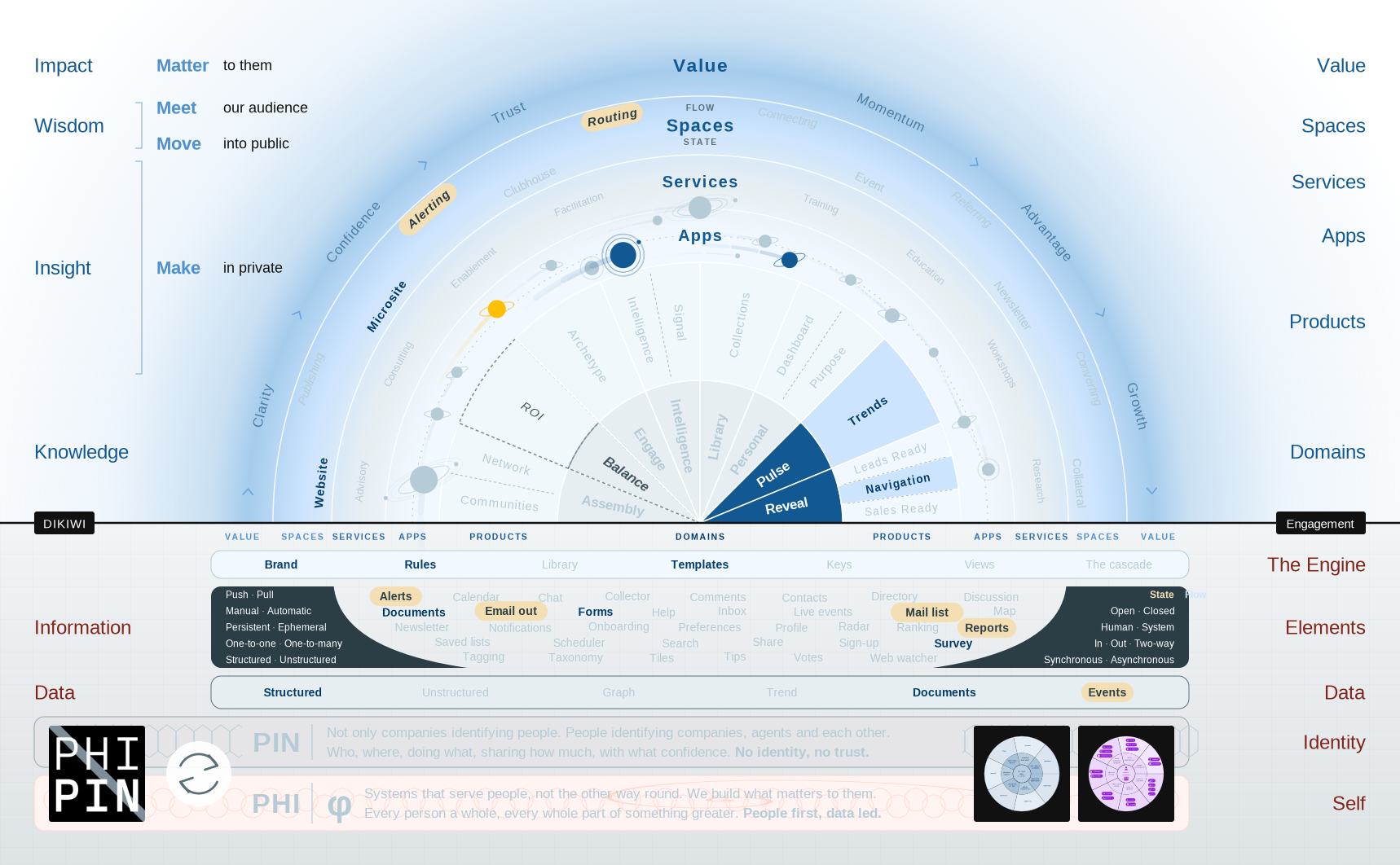 Story 01: Scene 432 · Stories
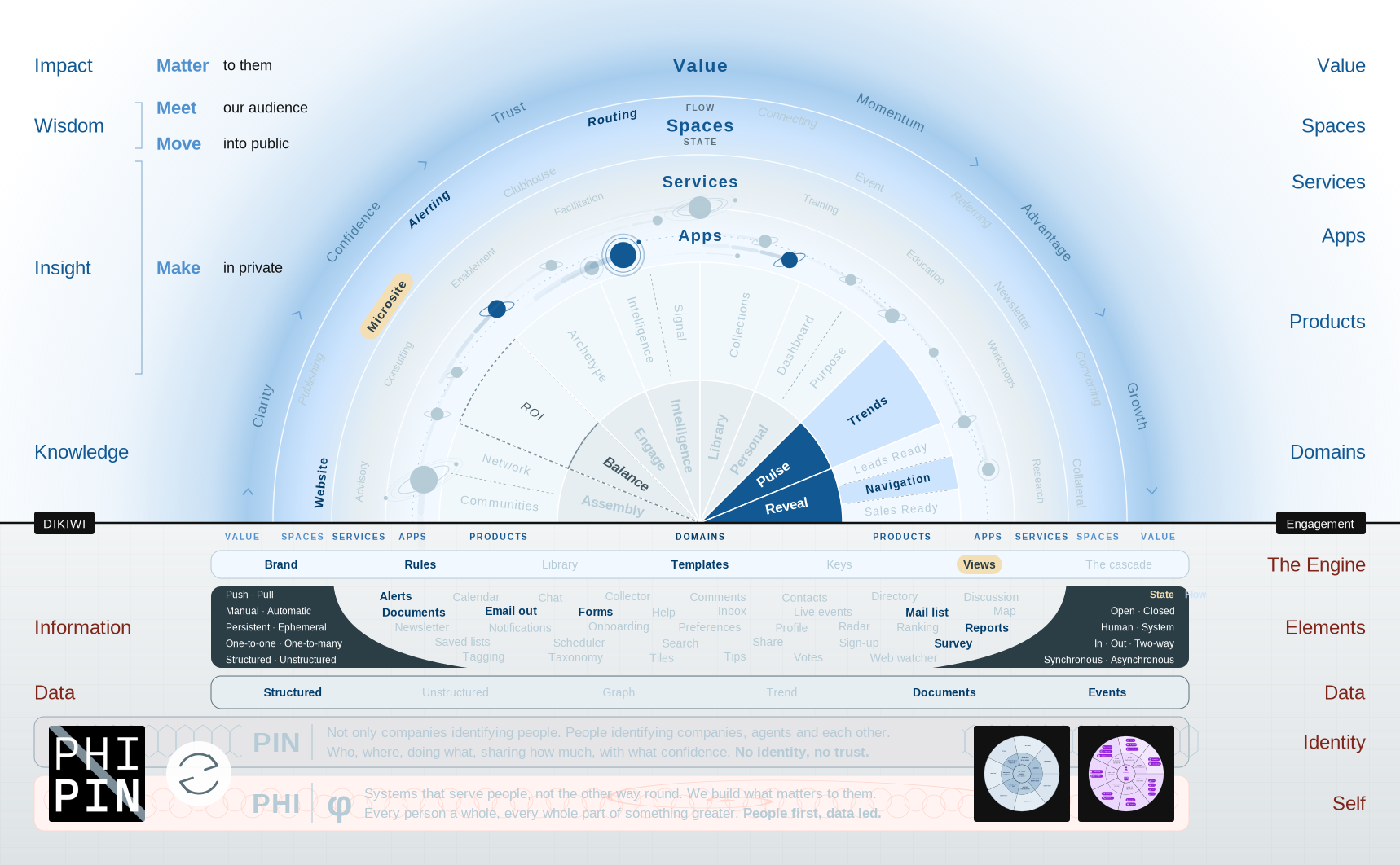 Story 01: Scene 533 · Stories
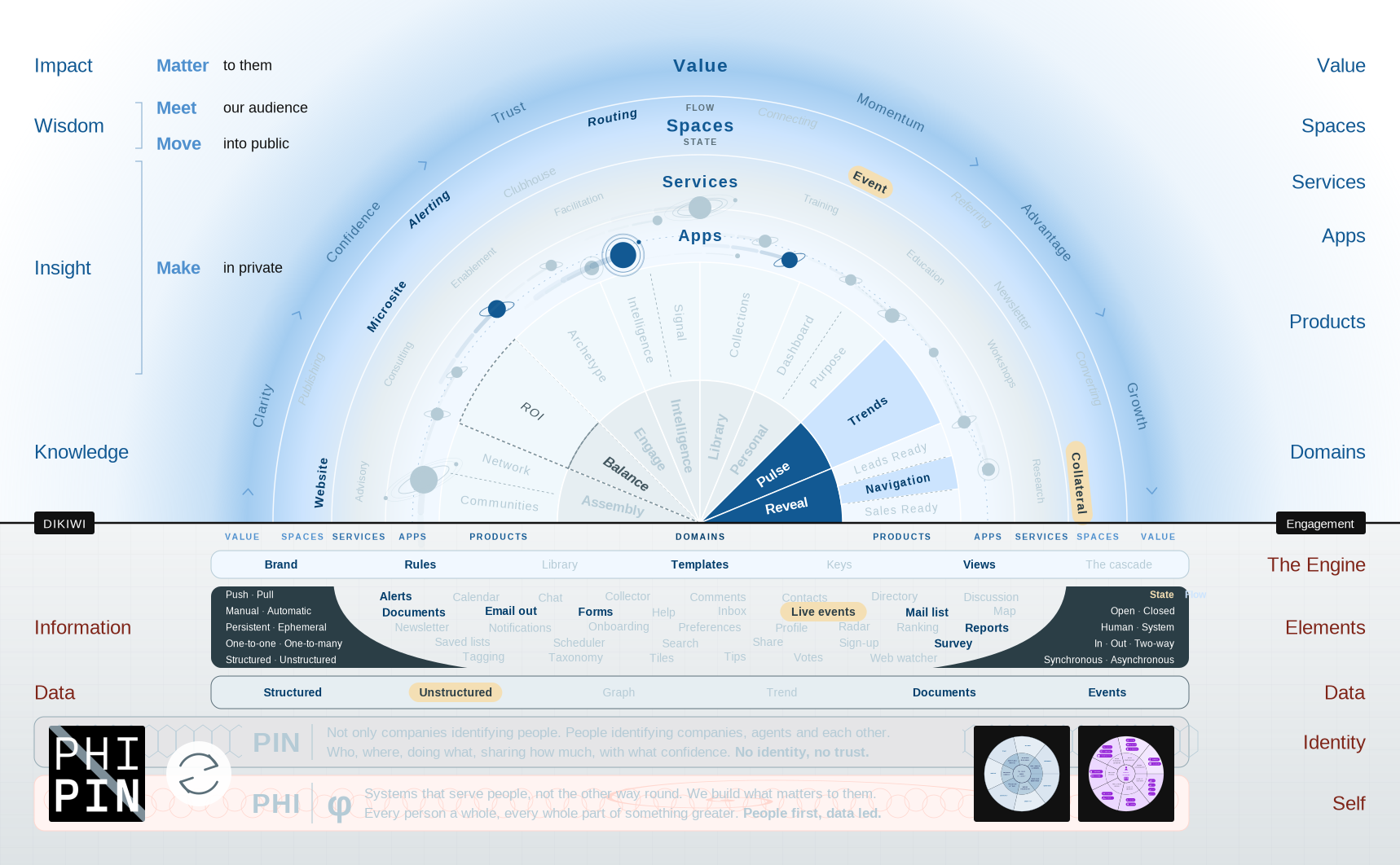 Story 01: Scene 634 · Stories
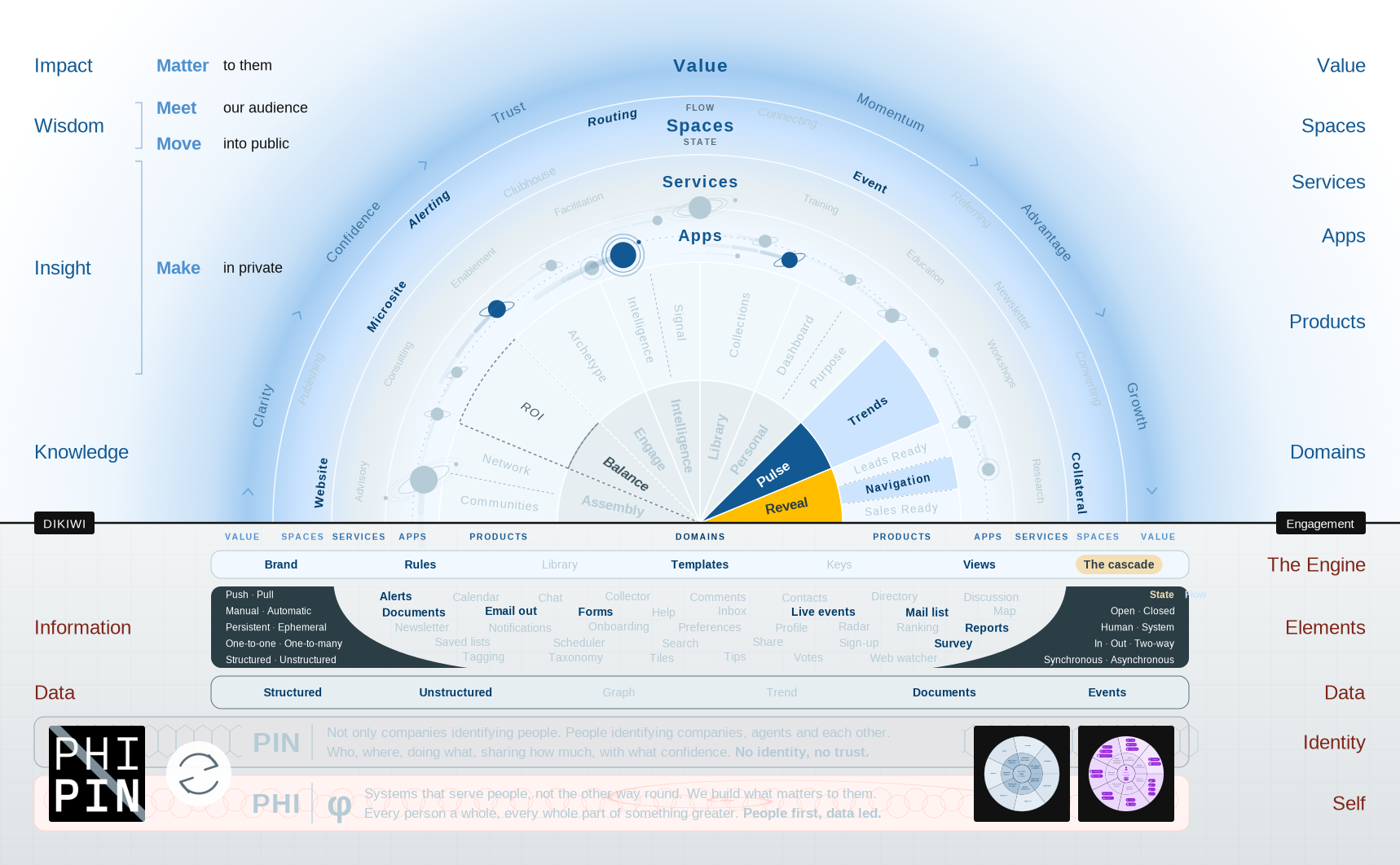 Story 01: Scene 735 · Stories
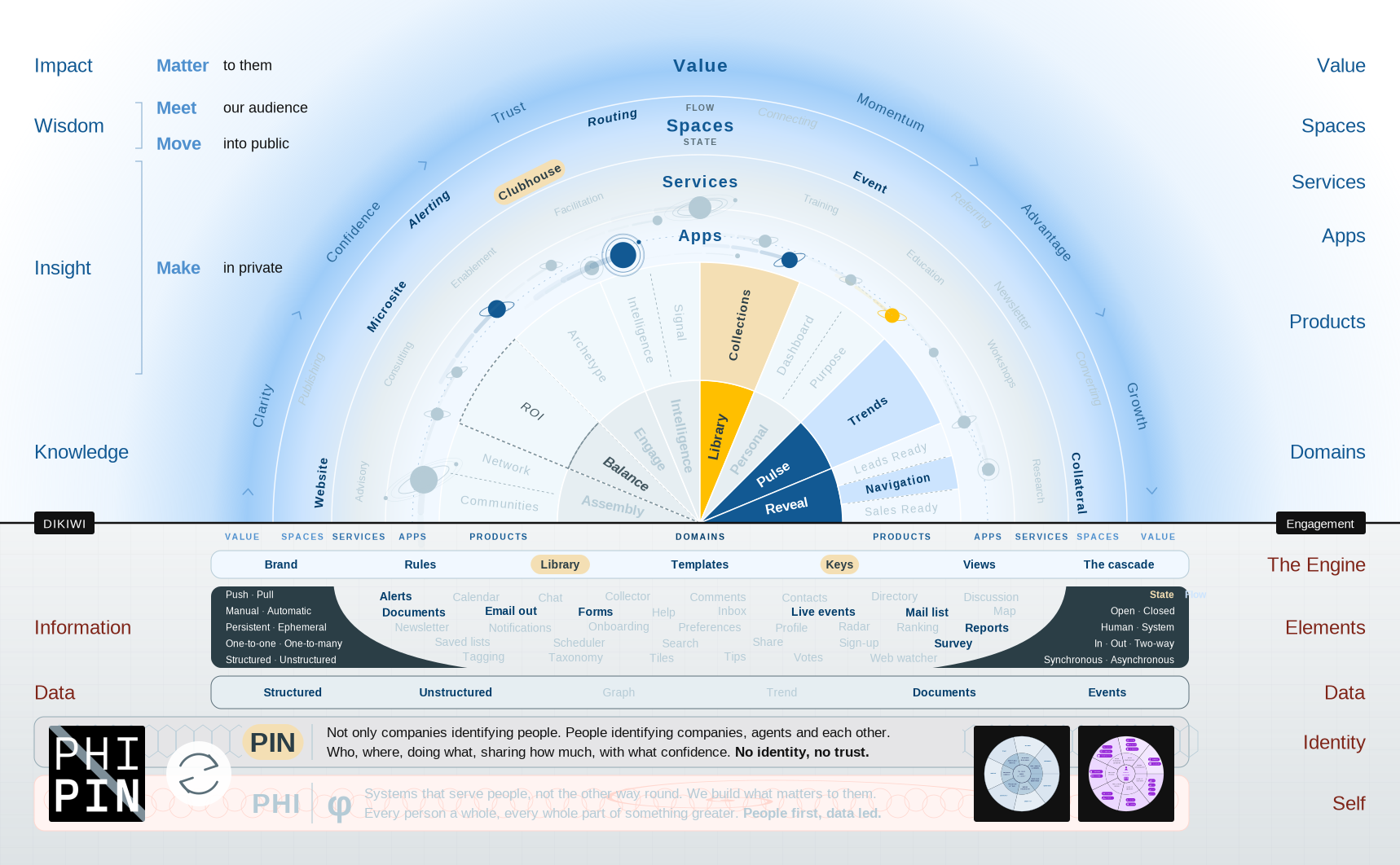 Story 01: Scene 836 · Stories
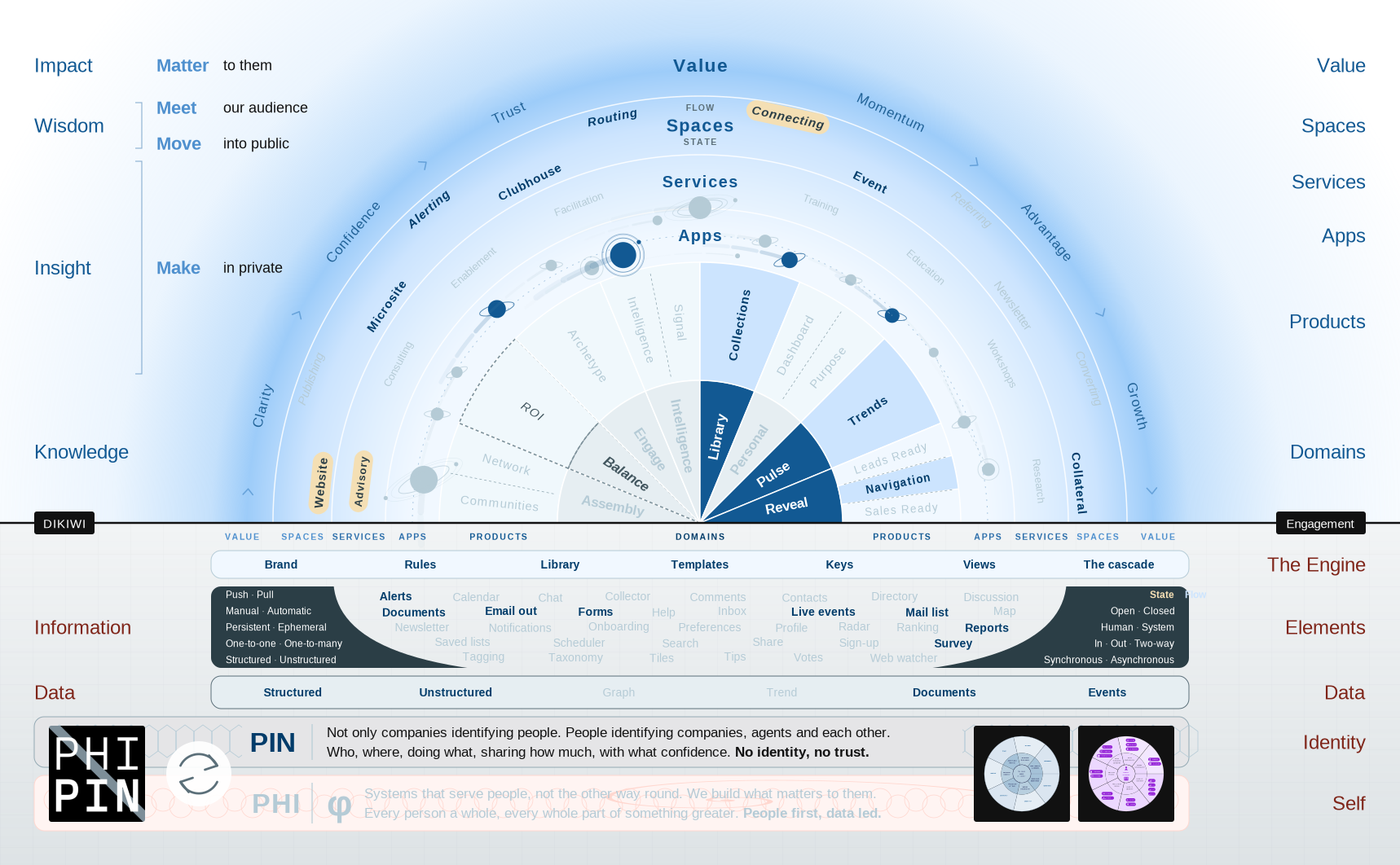 Story 01: Scene 937 · Stories
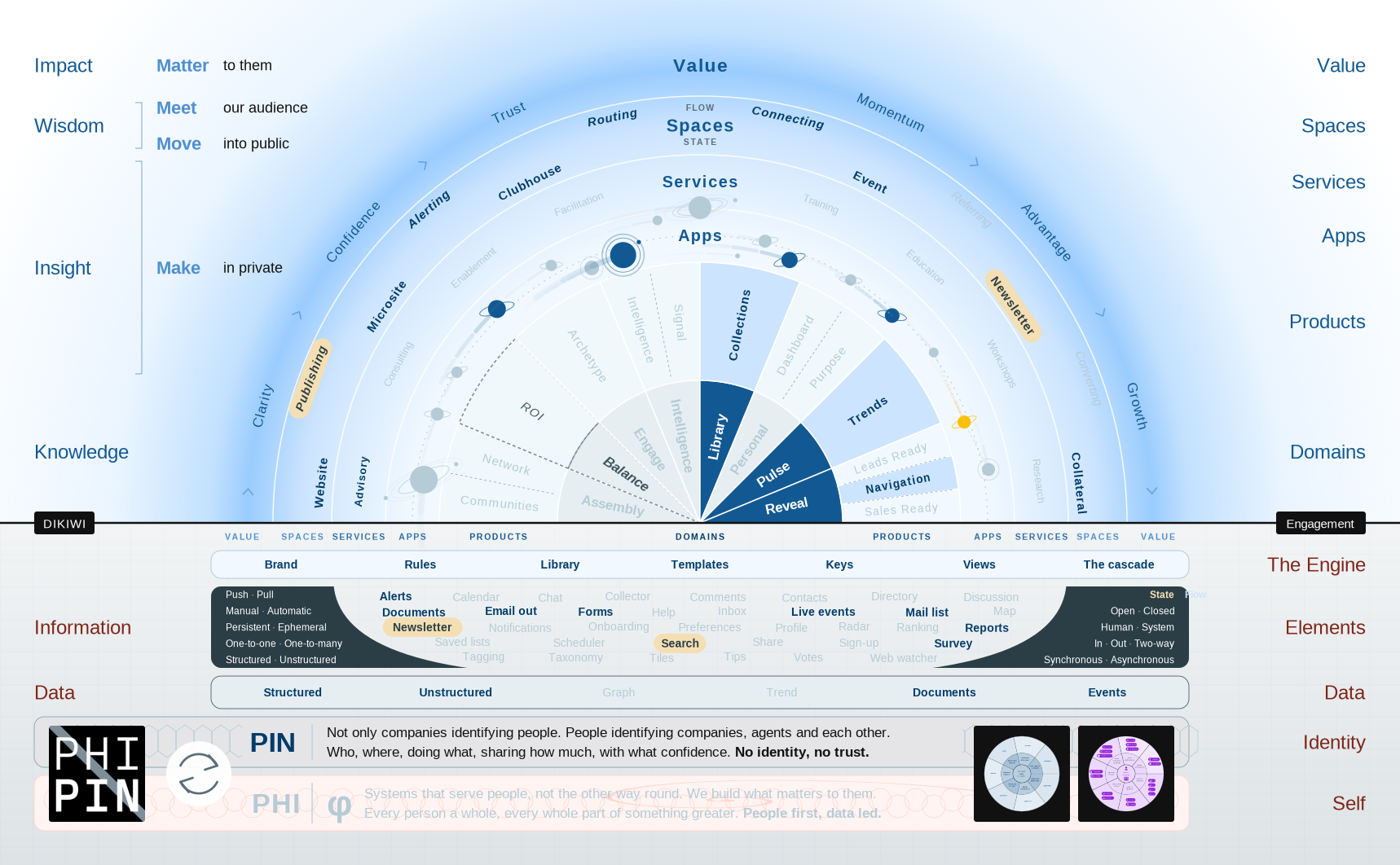 Story 01: Scene 1038 · Stories
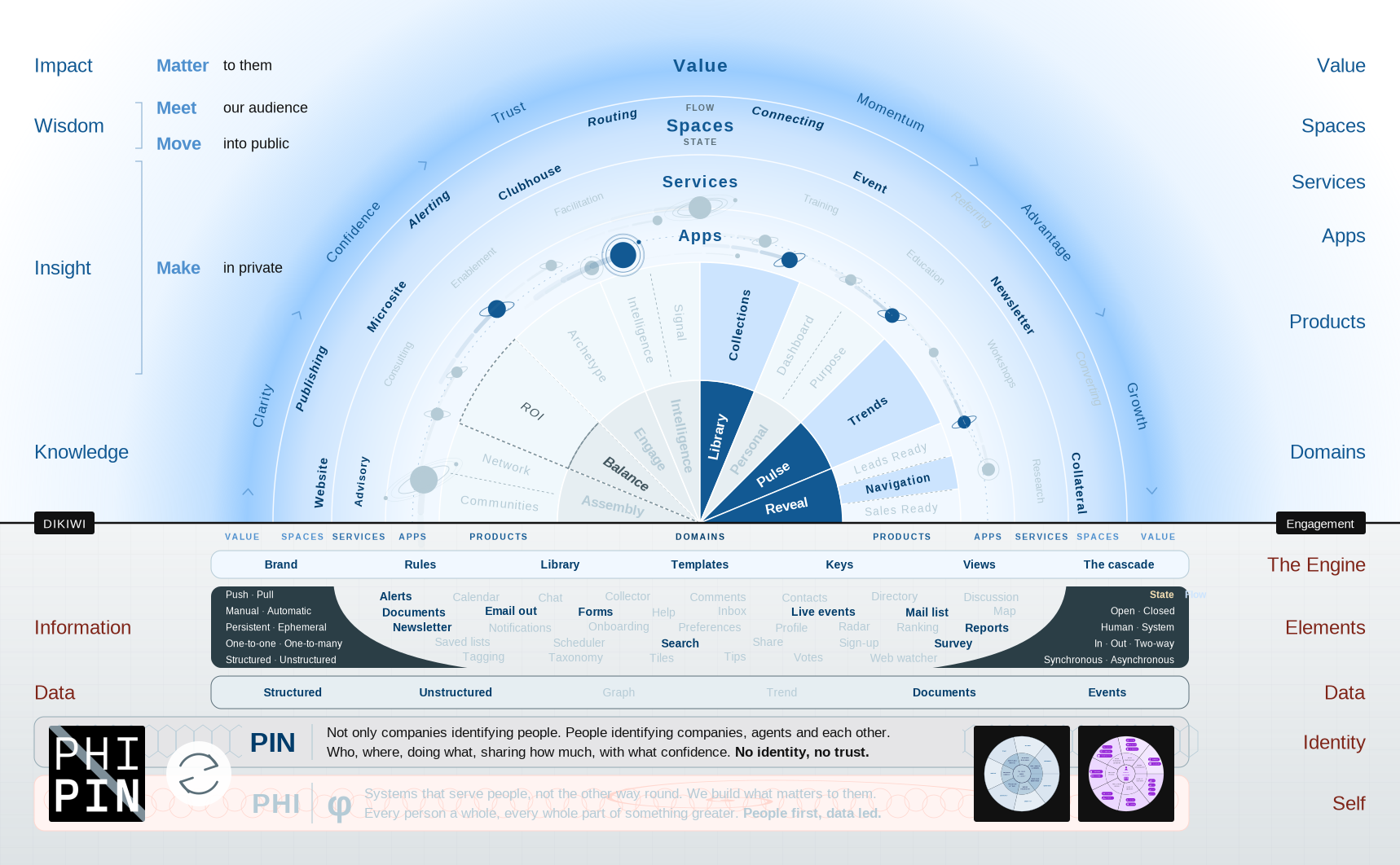 Story 01: Scene 1139 · Stories
Views
A table is the same block whatever it shows and wherever it sits, from a list inside a page to the whole Library. Only the view changes: the rows, the sort and the filters stay.
- Table: rows, for scanning and comparing.
- Grid: pictures, when every row has one.
- Strip: a line of pictures across the page, such as a montage.
- One at a time: a single row shown in turn, such as quotes.